

























Believe it or not . . . Radio Shack’s TRS-100 portable computer still has many uses.
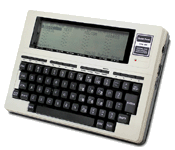

















Believe it or not . . . Radio Shack’s TRS-100 portable computer still has many uses.
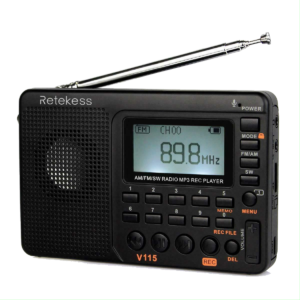
Specifications from RETEKESS website (edited).
Built-in three languages: Chinese, English, Spanish; default language is English
Compact world radio receiver 100 Radio presets —
Shortwave/AM/FM radio with the bass diaphragm and you can search the radio station automatically and manually, also can direct input radio frequency to search.
MP3 player
Can play MP3/WMA formatted music stored in T-Flash card, No default “shuffle” as in many other MP3 players, It remembers the load number, you can punch in that number to get to the song directly or go to Repeat mode: All / One / Folder
Audio Recorder with 3 recording modes — records directly to MP3 format
1… MIC recording you can record voice or surrounding audio – Mono without plugged in mike, stereo with appropriate mike.
2… Line-In recording you can record the audio from 3.5mm AUX input: connect to external audio equipment
3… Radio recording – record the playing radio station
V115 digital radio with 3 record selectable qualities : simply 64 kbps; quality 96 kbps; super 128 kbps9k/10k selectable for AM tuning increment: the default AM tuning increment is 10 kHz (Great for travel to Europe!)
3.5mm earphone jack for the V115, you can use your earphone/headphone with 3.5mm plugs. With the headphone jack, you are able to own some private space without disturbing others.
Sleep timer: shuts off automatically after specified times (00-05…85-90 min)
The sound is loud for this V115 , and you can use the radio in the living room, kitchen, bedroom and you can also enjoy the portable radio when walking, running, having travel, having square dancing, and so on. The pocket radio is easy to read display with a bracket and the little lay-up on an angle mount which is nice for a desk.Adjustable intensity LCD backlight.
V115 AM FM radio with LCD display screen has many features, such as remaining battery power, the AM FM frequency, the sleep timer. 5 seconds the last back-light will fully illuminate the screen which makes it easy to see the timer, with clear display numbers and characters at night.
TF card (micro-SD card) port
The V115 can play MP3 formatted music stored in the TF card (not included). You can enjoy music freely without internet connections. If you remember the load number, you can punch in that number to get to the song directly. The display reads and shows the MP3 music title being played!
(TF card, maximum 32Gigabytes). Connect with USB cable to computer to see all files on card. This way, you can insert new, edit existing or delete any of the audio files in the V115 using computer.
1000mAh rechargeable lithium battery, you can recharge the V115 with a USB cable connected to computer. You can also recharge the V115 using your car/ wall adapter with a USB cable.—— GREAT and inexpensive – P R K Wagner
Sadly, most anything locals need to purchase has to be done online. It used to be an adventure going to the various electronics/technology shops to see the latest.
Gone are:

This store used to be on Tulane Avenue as Southern Radio/Tulane Stereo Hi-Fi.
As the audio-affectionato store they were probably the only place to buy Magnetic REEL tapes of favorite music.
This is my first hard drive I bought, in 1986.
It is an ST-4096 Seagate EIGHTY MEGABYTE capacity hard drive.
A six and a half pound beast! Perfect for storing stuff downloaded from computer bulletin boards at 2400 baud.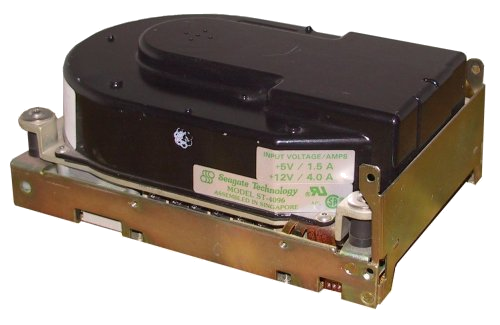
$950 !! That was cheap at the time, about $12 per Megabyte.
This is a picture of the first radio I ever got (1964). My boss, Mr Cangelosi said if I could repair it, it was mine. I surprised him by getting two of the bands working right away. Still, there was hum in the power supply when run on AC. I couldn’t afford the battery for it.
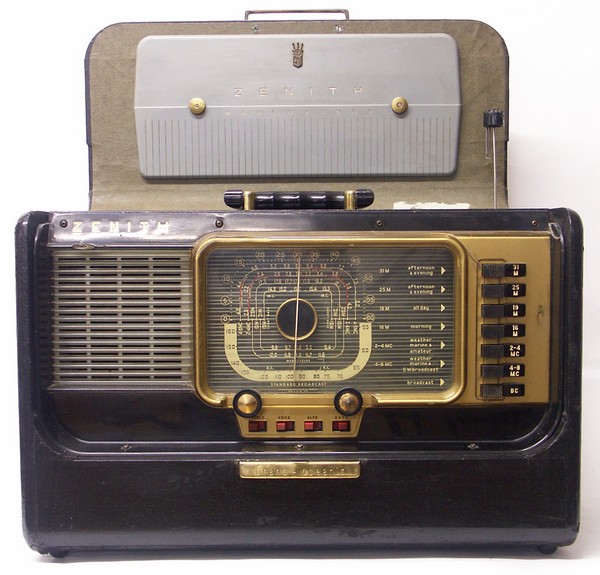
I left it at the shop and it was one of the items that got trashed when the shop closed.
[The battery]
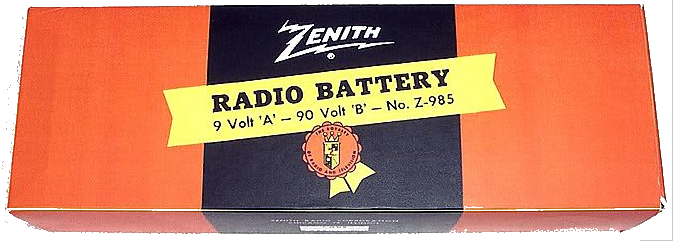
Do you know what this is?

This is a replacement Coleman Lantern mantel; replaced when the old one gets damaged or burnt out. I didn’t use them for that purpose.
The mantel exhibits a peculiar property in that it is slightly radioactive. Because high radioactive sources were tightly controlled and inventoried in my work I needed a quick OP/NO-OP method for checking radiation monitors such as a Gamma-Ray tool. Potting two of these together and placing them near the GR detector would quickly tell me that it worked by registering the counts. Also, the same potted mantels would sub for a source to troubleshoot Geiger-Mueller bundles.
In any case the mantels were NOT for calibration; test sources were used for that and those were tightly controlled.
Another “source” that oil well logging companies use is sand. Not just any sand but sand gathered from the beaches of Guarapari, Brazil and potted in a flexible blanket.
ACME Radio and TV
127 N Carrollton Avenue
New Orleans 19, Louisiana
My boss and the owner of the shop was Victor Cangelosi, a fantastic guy. He needed a helper to carry TVs to and from customers’ homes. My pay wasn’t much, I believe it was about $15 per week during school year, increased to $20 summer. That wasn’t much money but the benefits were great; I was learning electronics.
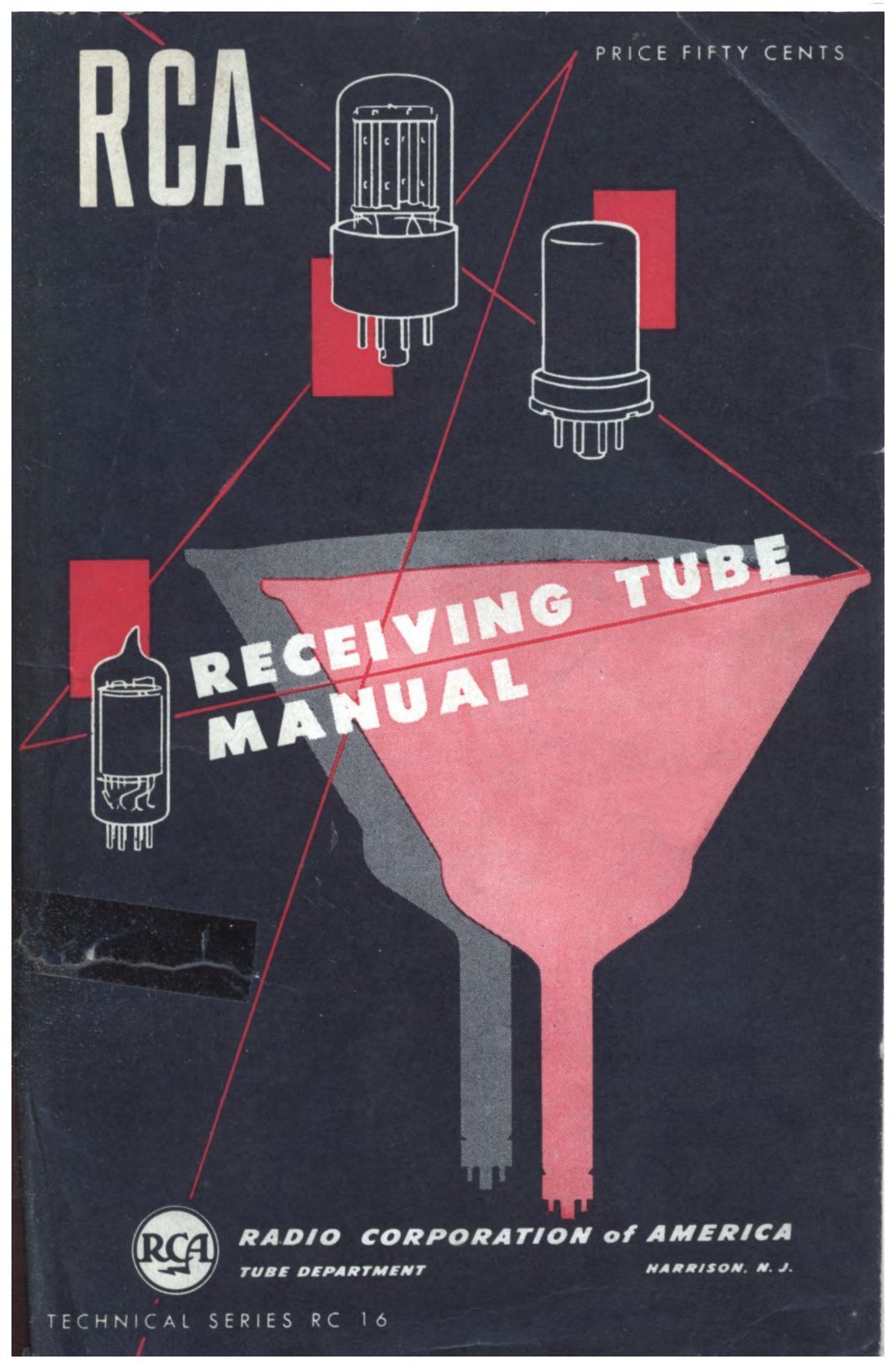
Not only did he pay me but he also gave me some of his test equipment such as a VTVM and a Hickok O-Scope. My text books were SAMS Photofacs, Riders Radio Manuals and the reference bible of consumer electronics, the RCA Tube Manual.
As I gained more knowledge Mr Cangelosi let me repair some radios, especially the FIVE TUBE types. Those are super easy to fix.
Everything came to a crashing end during Christmas vacation 1964. I was sick, laid up in bed and during that time Mr Cangelosi had a fatal heart attack. Three days passed and his son had a junk man clean up the shop and the adjoining house where hundreds of classic and antique radios were stored. The shop was cleared to the bare walls. My test equipment and my school science project got trashed! Customers’ sets gone! We didn’t have tags on individual sets as those got ripped off; the ID on customer sets were coded labels with an index in a book.
I tried to recover some of the “junk” but the bulldozers at the Almonaster dump already crushed it all.
Brilliant son, don’t you think? He was a History Professor.
Science Project for school – ruined, with no time to re-do.
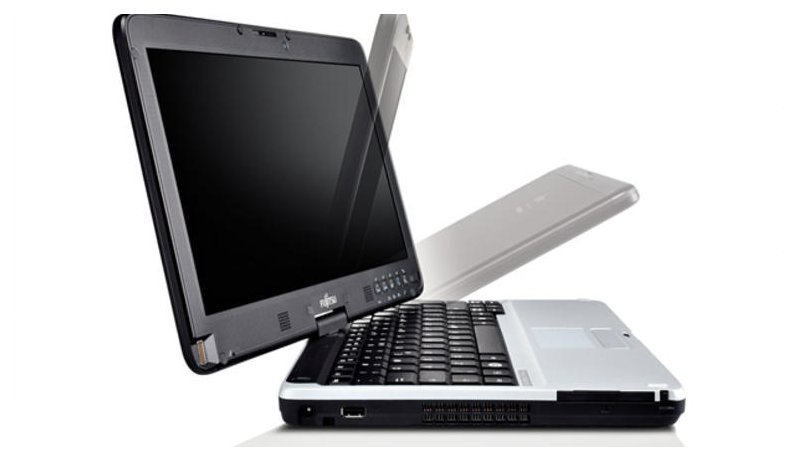
[Check it out!]
Fujitsu T730 with i5 Processors go for around $175 on eBay.
Why so low? Because Fujitsu isn't a popular brand like ASUS, Dell, HP or Lenovo. But they are very fast and highly expandable notebook computers.
My First Fujitsu
My Second Fujitsu
For BOTH Computers
The drive bay (Expansion Slot) is easily removable with a side lever so any of the following can be inserted into that drive slot:
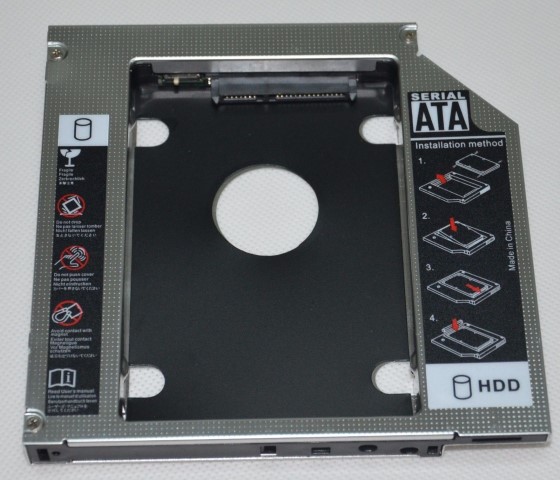
Using both laptops makes it very easy to maintain my sites. Contact me if you want one like these. They're great laptop computers. These were originally $2000 laptops!